TravelMuse
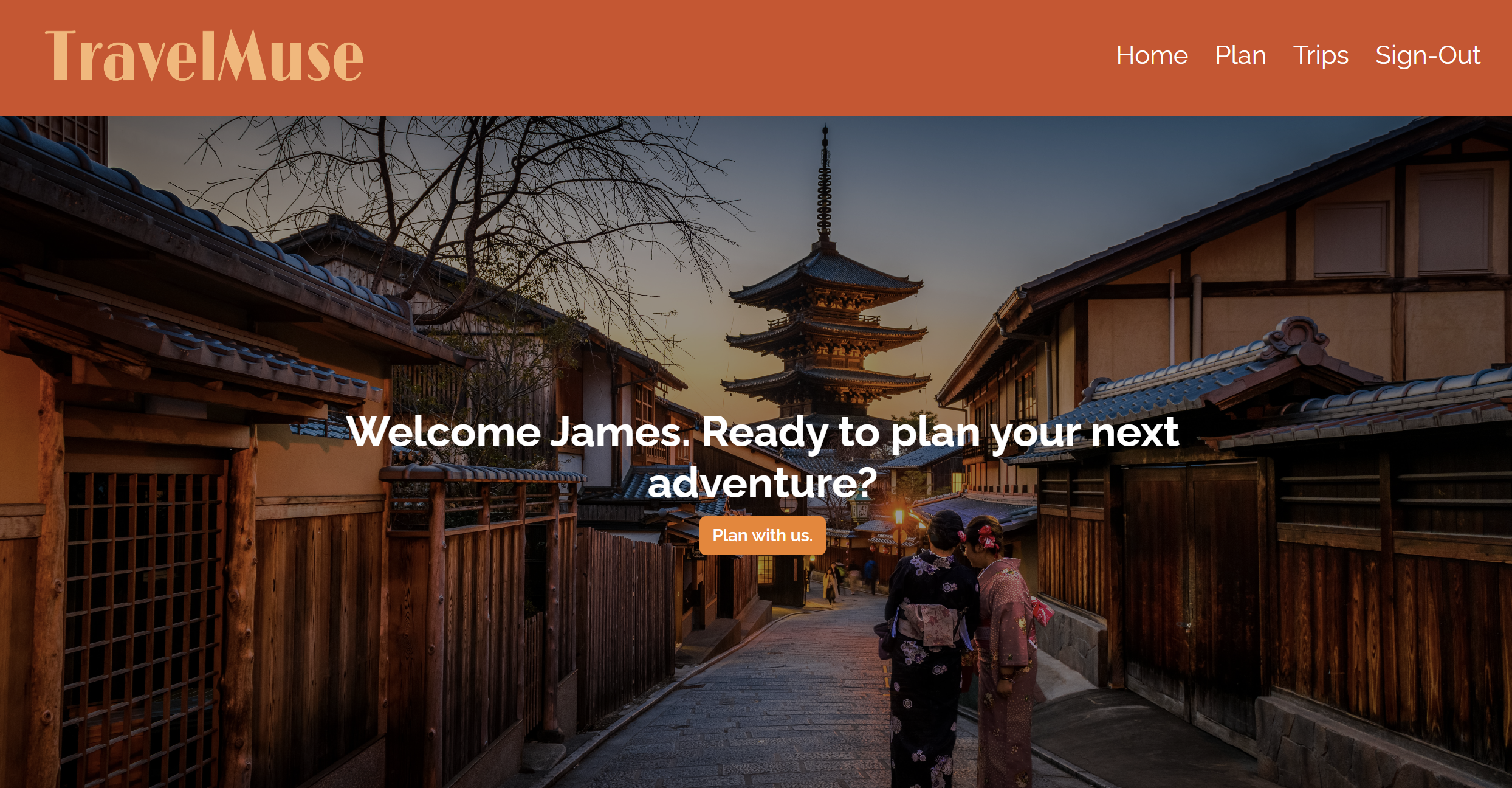
For our project, we made an interactive itinerary planner using React! Take a look here: TravelMuse.
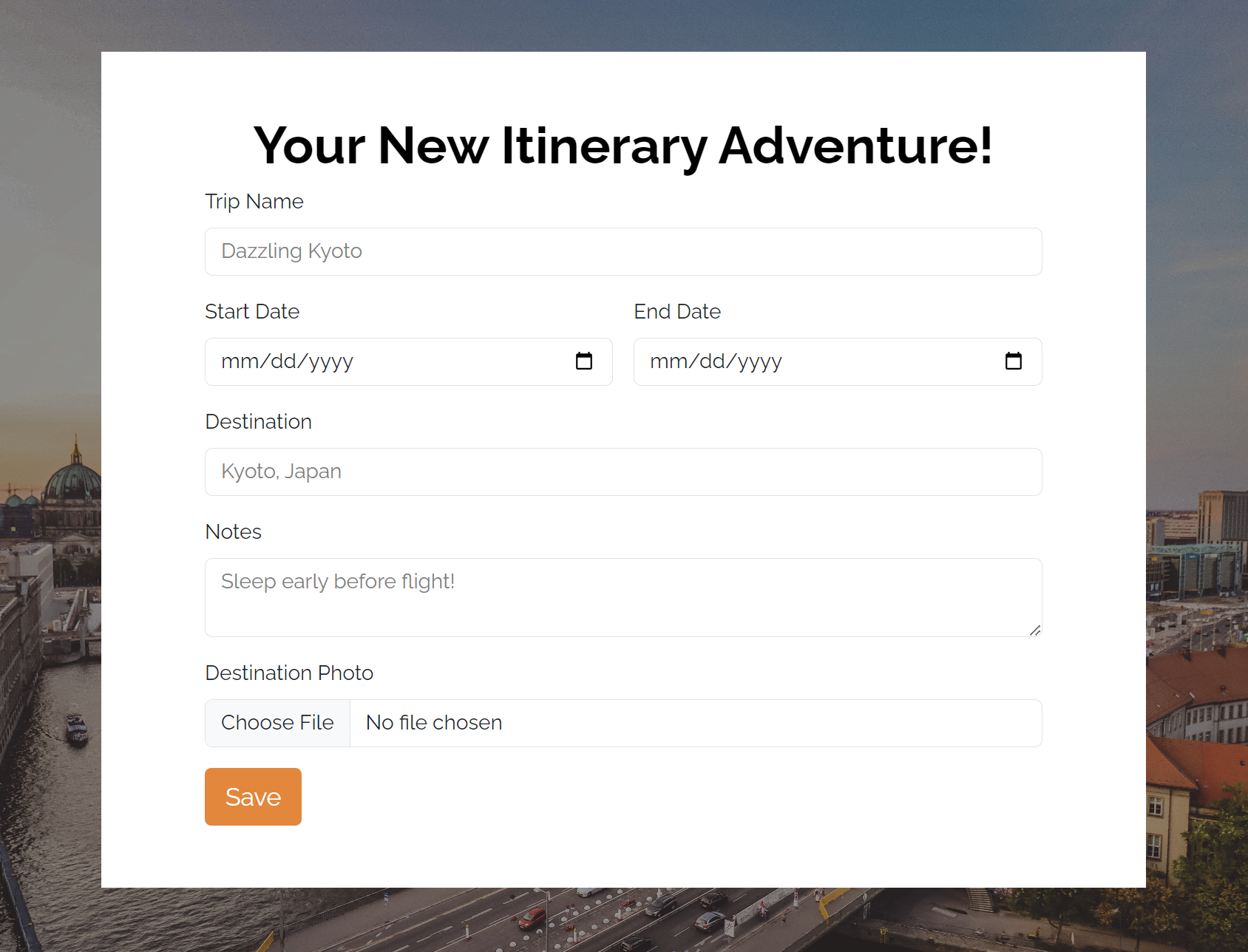
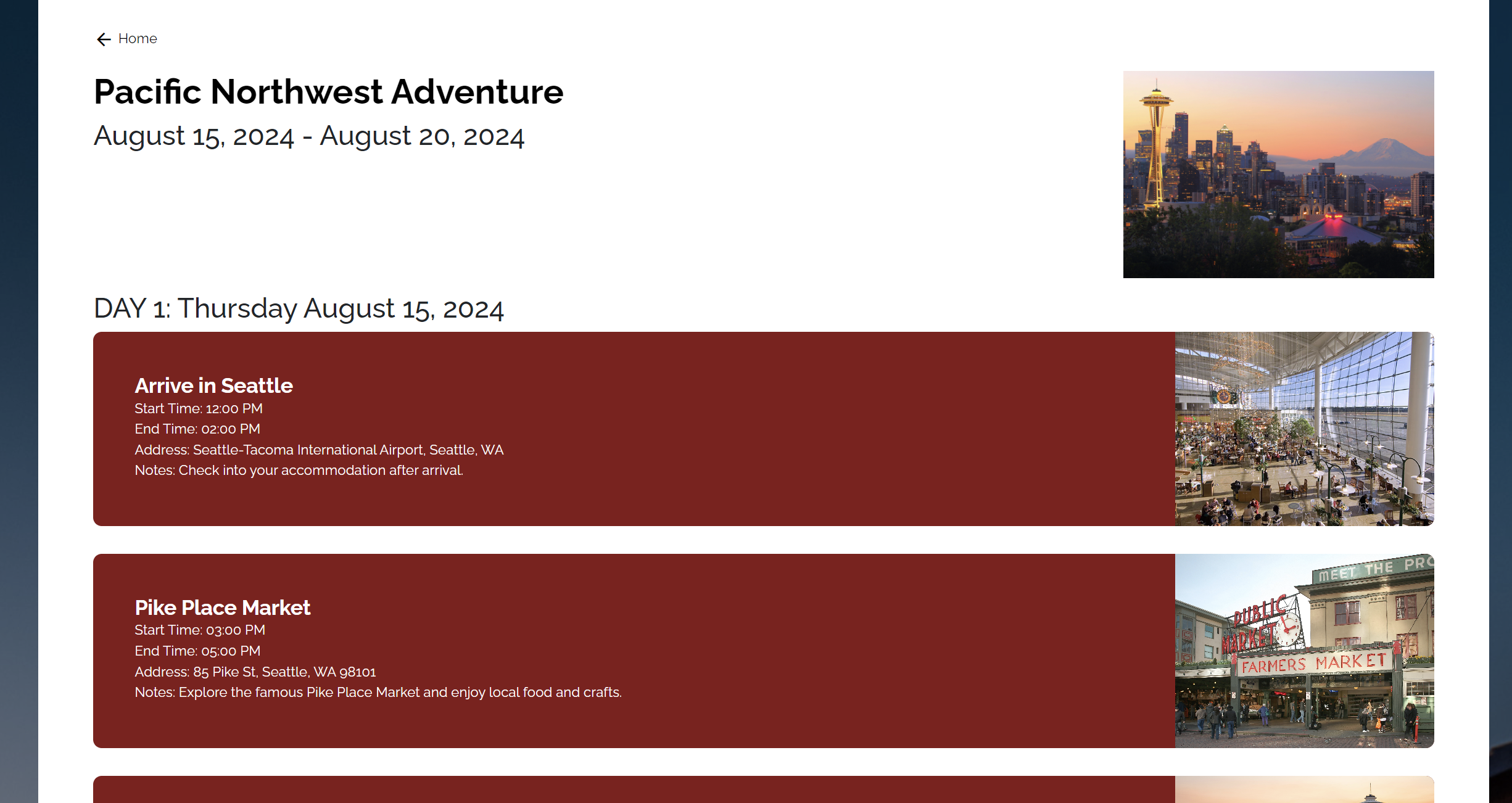
My friends and I wanted to create an interactive web application for itinerary planning. We wanted to create an application where visitors can make future and past trips, and save them for reference. As a result, we came up with a website called "TravelMuse", an itinerary planning website that allow users to create and save itineraries! At this point, my groupmates and I were pretty new to react, so we wanted to keep it simple. We started off with whiteboarding and visualizing how we wanted our website to look. We created some wireframes on paper, and discussed about details like fonts, color palette, logo and more. After the beginning phase, we started coding our website in HTML/CSS, and adjusted some of our styling ideas as we went along. We then started implementing our big features and mapping out how we wanted the itinerary planner to function. After implementing our features, we utilized firebase's realtime database to allow users to save their itineraries and upload their own photos. Since this was my very first web application that I have ever made, it was so cool being able to see people play around with our website application after we finished. It made me realize all the little intricate details that went into building a website.
Project Reflection
I was super happy about how everything turned out, but there were still a lot of aspects of the project that I would have worked on if our team had more time. More specifically, I think the user experience while making an itinerary can be improved. One way that we could have improved the user experience was a map feature, where users can easily find their event location depending on what address they put in. We also wanted to include an autocomplete feature for inputting an address. This would significantly improve the user experience, making it so that users don't have to spend time inputting an address while also not requiring them to remember the address of each event. We would also like to revisit the speed for certain parts of the website. We found that uploading photos for trips and events was slow for users. We also found that navigating through different parts of the website was slow as well. I did a little more research outside of this class, and perhaps it would have been nice if were to utilized Server-Side rendering (SSR). Doing so would probably improve the performance of our website, while reducing the number of loading screens that users see.
INFO 340: Client-Side Development
INFO 340 was a super fun class! I thoroughly enjoyed all the content that this class had to offer, and it made me inspired to take more software-oriented classes. We went over a bunch of topics throughout the quarter: HTML/CSS, Accessibility Standards, Responsive Design, JavaScript, Document Object Model (DOM), ES6+ features, React/Client-Side Routing, AJAX requests, Firebase, and probably a lot of other topics that I forgot to mention. This class really helped me to understand how websites are made, and some of the common practices that industry uses to create websites.
Accessibility
Out of all the topics that we learned about, I thoroughly enjoyed the Accessibility Standards and the React section of the class. Especially with accessibility, I feel like it hasn't been discussed enough in my previous programming classes. It is really important that we create programs that are open and accessible to a wide range of people. I certainly have had many friends and family members tell me that it can be difficult to access certain things on the web because of a bunch of reasons: the buttons were too small to click; the screen size didn't fit their screens; it was difficult to see some text; the colors were not contrasted enough; the screen reader read the website really weirdly; and a lot more. Especially for those who have a disability, it can sometimes feel like they aren't thinking about it when creating a product. While this class introduced students to how we can design accessible websites for everyone, I hope to take more classes that are centered around accessibility in web development and making products in general. For our project, we tried our best in making our website accessible, but we know that this is another sector that we could heavily improve on.